
Read only the replies that still need action.
Threads reply operations
Catch the replies that matter.
Keep moving before the thread goes cold.
Pingra helps you sort Threads replies, keep follow-up conversations visible, and respond faster from your phone.
Killer features
Six product loops that make Pingra worth opening every day.
Pingra is strongest when it keeps reply work visible, speeds up drafts, and turns repeated operating patterns into reusable assets. The cards below use real product screenshots.
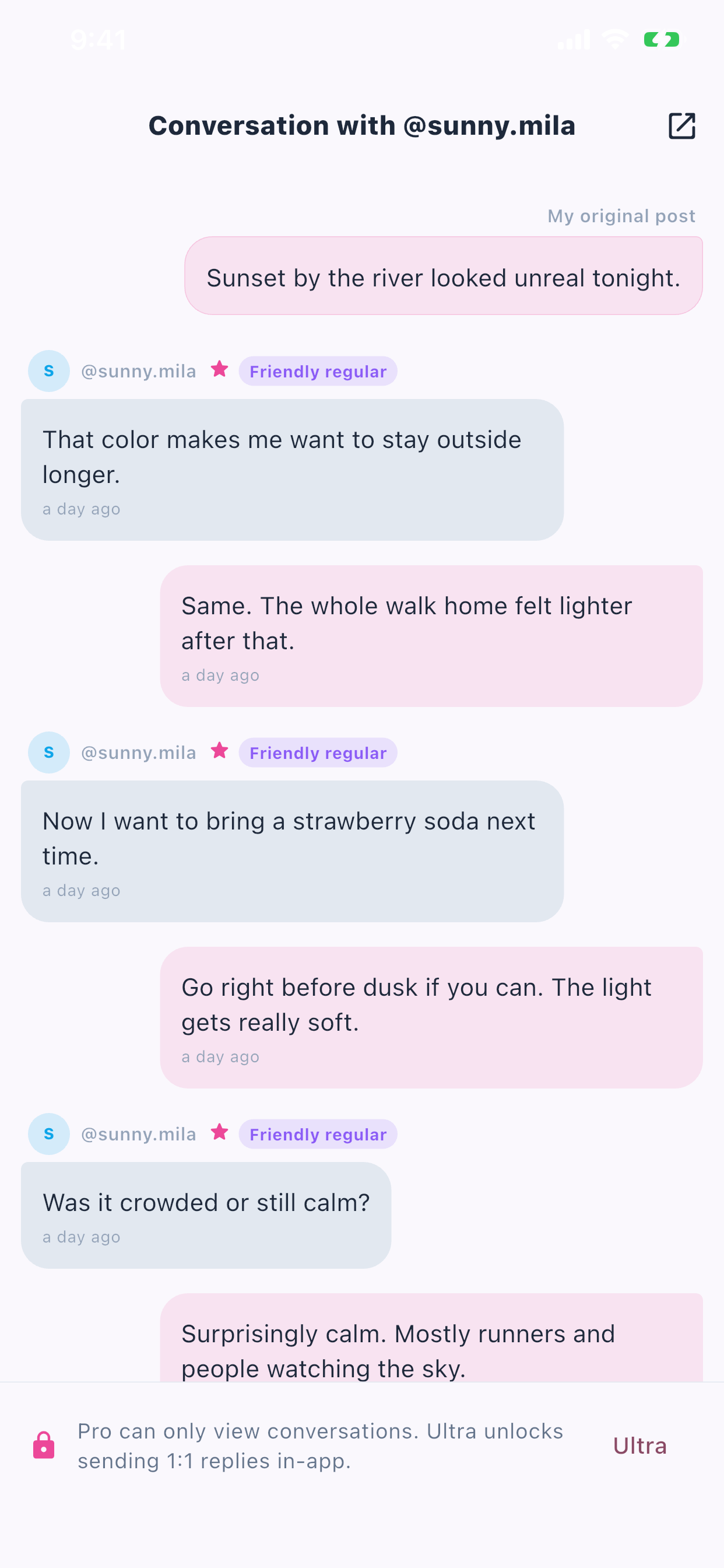 Chat conversation
Read reply threads like a chat, not a raw comment tree.
Pingra turns follow-up replies into an operator-friendly conversation view so you can see context before you answer.
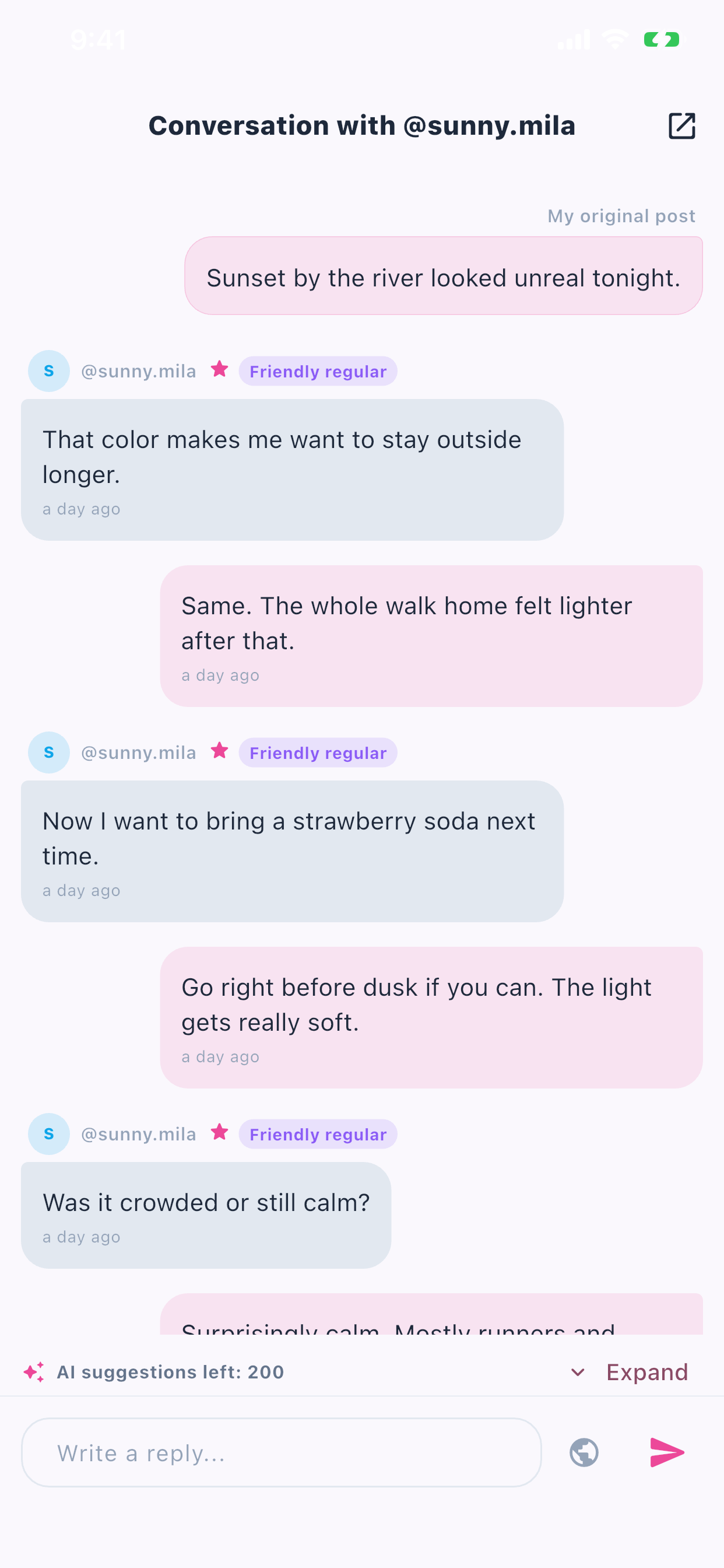 AI suggestions
Draft faster without losing your tone.
Use AI suggestions when speed matters, then keep the final reply aligned with the persona you already set.
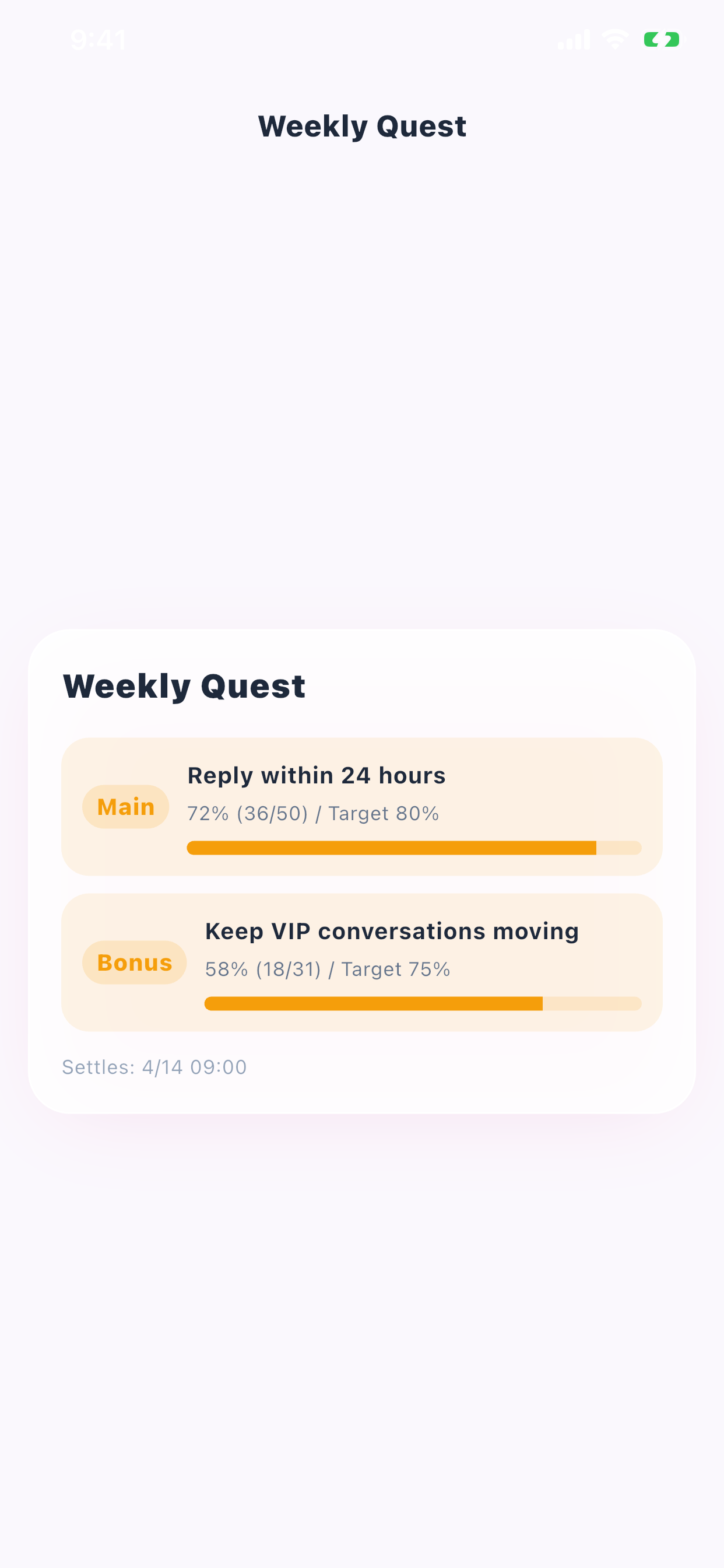 Weekly quest
Keep reply discipline visible with weekly missions.
Main and bonus quests turn reply quality and speed into a rhythm you can actually track.
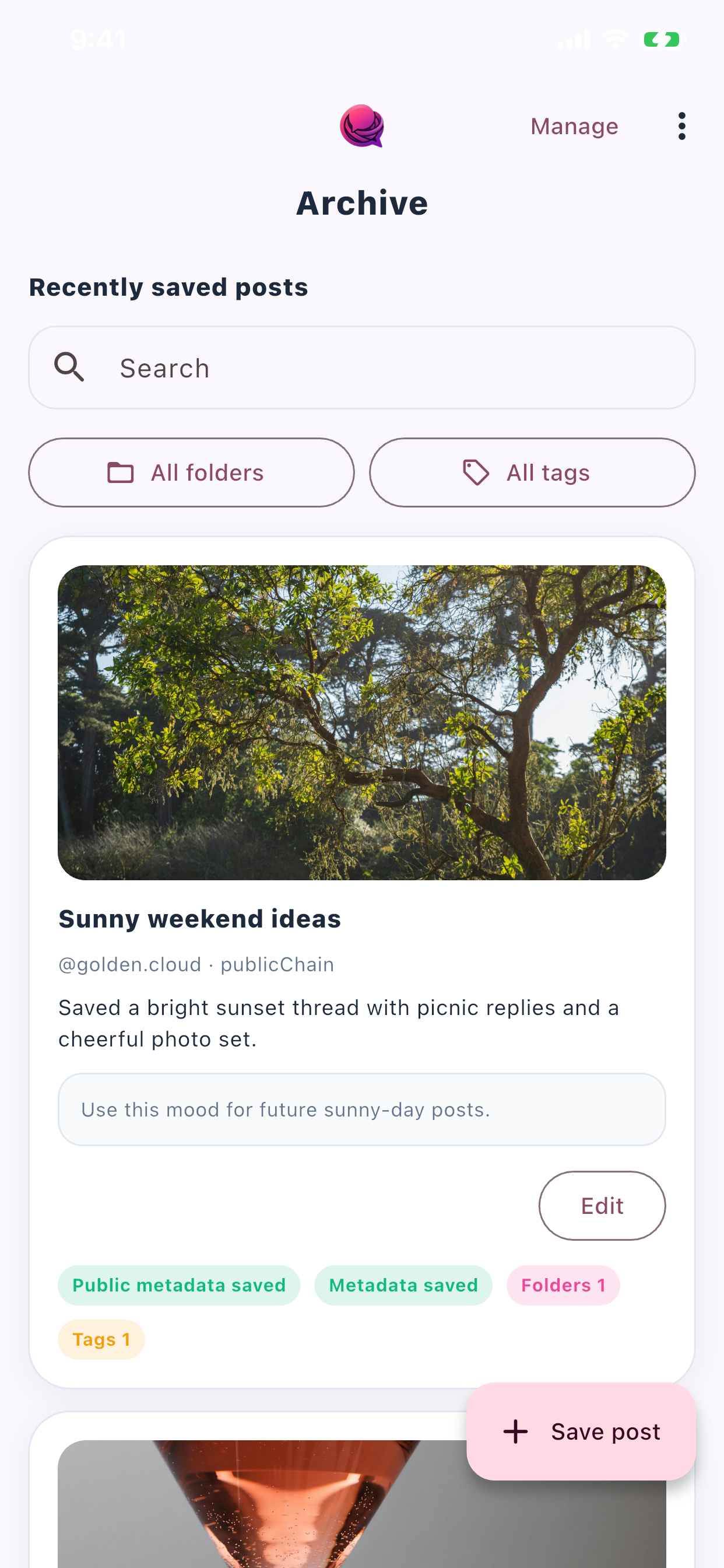 Post archive
Save valuable Threads posts into a searchable library.
Capture strong posts, file them into folders and tags, and come back later with the context still attached.
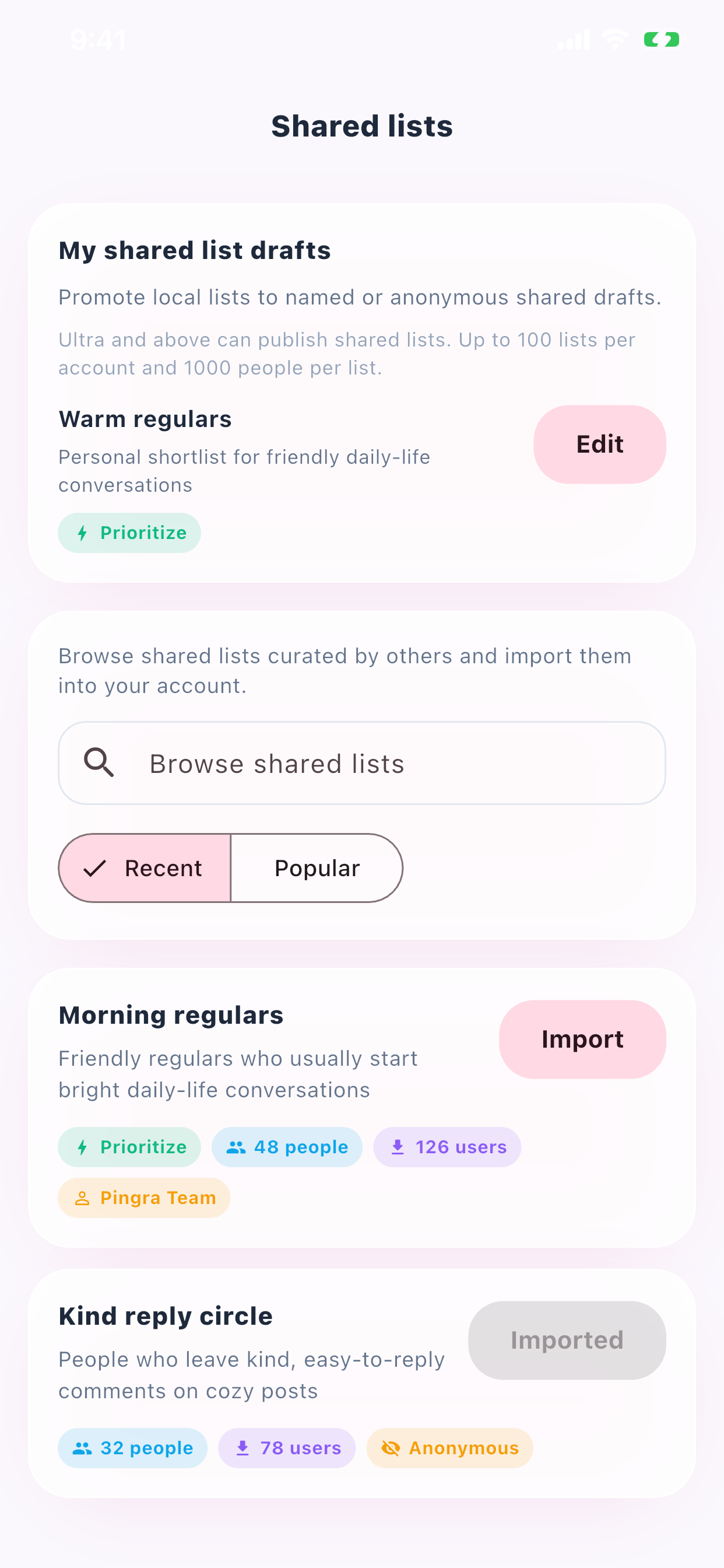 Shared account lists
Share account lists so your team works from the same operating context.
Build repeatable lists for launches, monitoring, or VIP accounts, then hand them to teammates without rebuilding the logic every time.
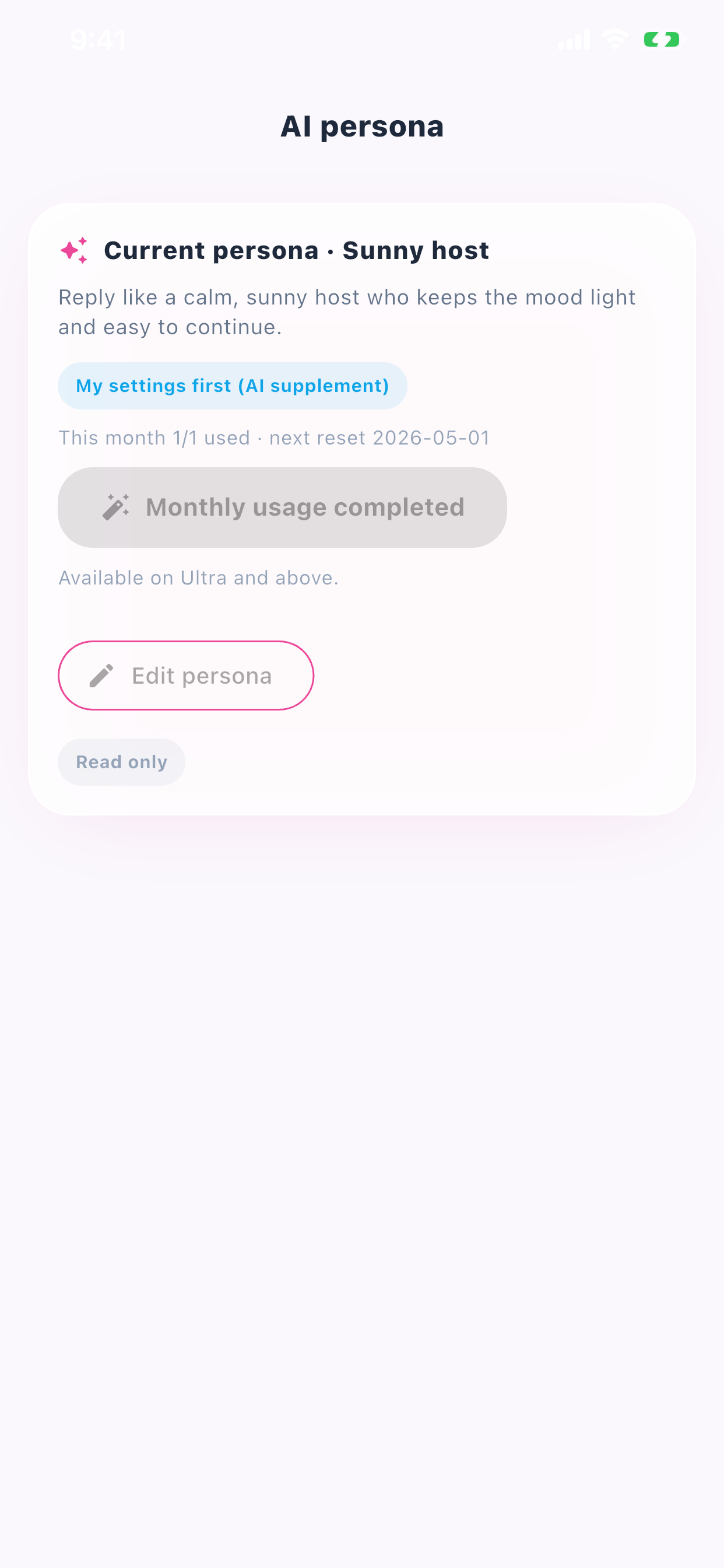 AI persona
Keep AI suggestions aligned with your tone and audience.
Save your preferred persona once, then let Pingra use it as a drafting guide when you need faster reply suggestions.
Where reply work breaks
Most reply workflows fail in the same three places.
Too much noise
You waste time deciding what deserves a reply.
Follow-ups disappear
After you reply once, the next return message is easy to miss.
Counts lie
Hidden branches and irrelevant accounts make the queue look worse than it is.
How Pingra works
See. Send. Accelerate.
See
Read only the replies that still need action.
Send
Reply from the app with full conversation context.
Accelerate
Use AI suggestions and personas when speed matters.
Pricing
Pro sees the work. Ultra sends. Super scales.
Pro
FreeRead replies, review conversations, and monitor basic analytics.
Ultra
$4.99Reply from inside the app and unlock more operational speed.
Super
$9.99Higher AI volume and heavier multi-account workflows.
FAQ
The obvious questions.
Is this just another inbox?
No. Pingra is built for Threads reply operations specifically.
Does AI replace my voice?
No. AI is used as a drafting accelerator, not as a decision-maker.
Why mobile first?
Threads reply work happens in short loops. Pingra is built for that rhythm.
If Threads is part of your real workflow,
Pingra is built for that reality.
Pingra is for creators, operators, and solo brands who want to respond faster without losing the conversations that matter.